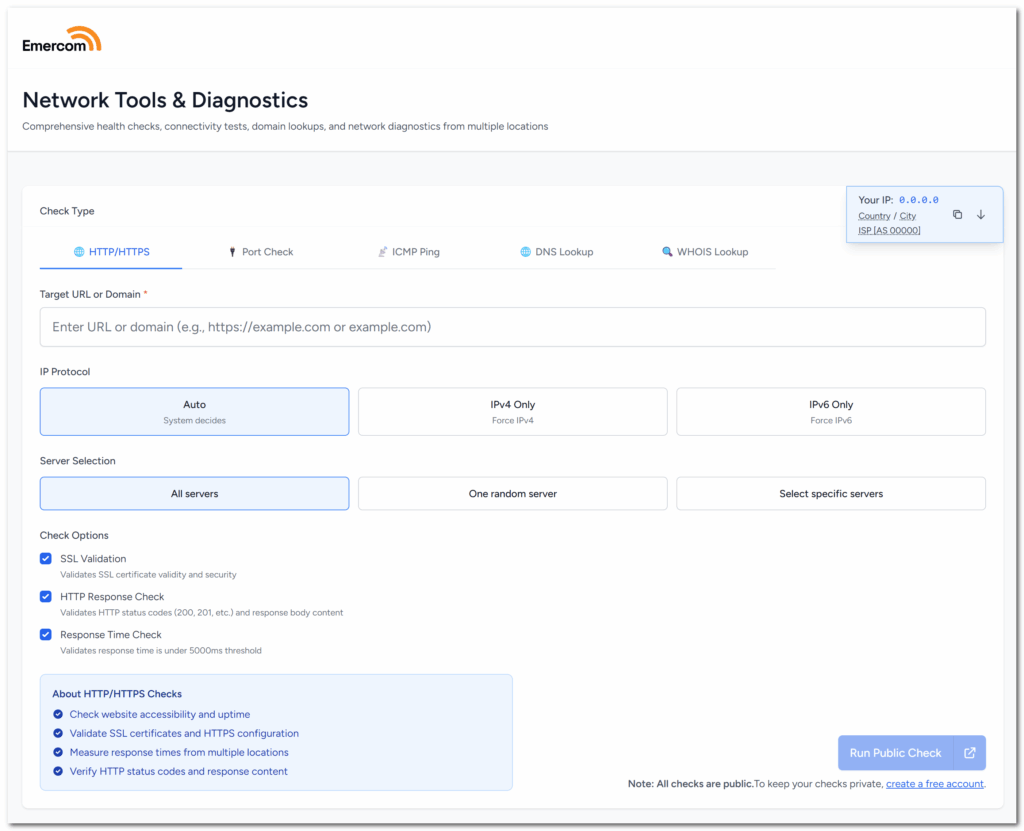
This release cycle brings significant improvements to Emercom Tools and One-Time Checks, with a focus on IPv4/IPv6 protocol control and enhanced shared views.
You now have full control over which IP protocol to use for your checks in both Emercom Tools and One-Time Checks.
– Auto-detect mode: Lets the system choose the best available protocol
– IPv4-only mode: Forces checks to use IPv4 addresses
– IPv6-only mode: Forces checks to use IPv6 addresses
This is particularly valuable if you’re using GeoDNS or Anycast DNS. Different IP protocols may resolve to different servers depending on location, and forcing a specific protocol lets you:
- Check if your IPv6 setup is actually working
- See if GeoDNS returns different IPv4 vs IPv6 addresses per region
- Figure out which protocol is causing problems in dual-stack setups
- Make sure your anycast works on both IPv4 and IPv6
Before this, the system would just auto-detect based on DNS, making it hard to test IPv4-only or IPv6-only scenarios. Now you can force whichever one you need.
Emercom Tools now includes a convenient split button that lets you open check results in a new browser tab. Perfect for comparing results side-by-side or keeping multiple checks open simultaneously.
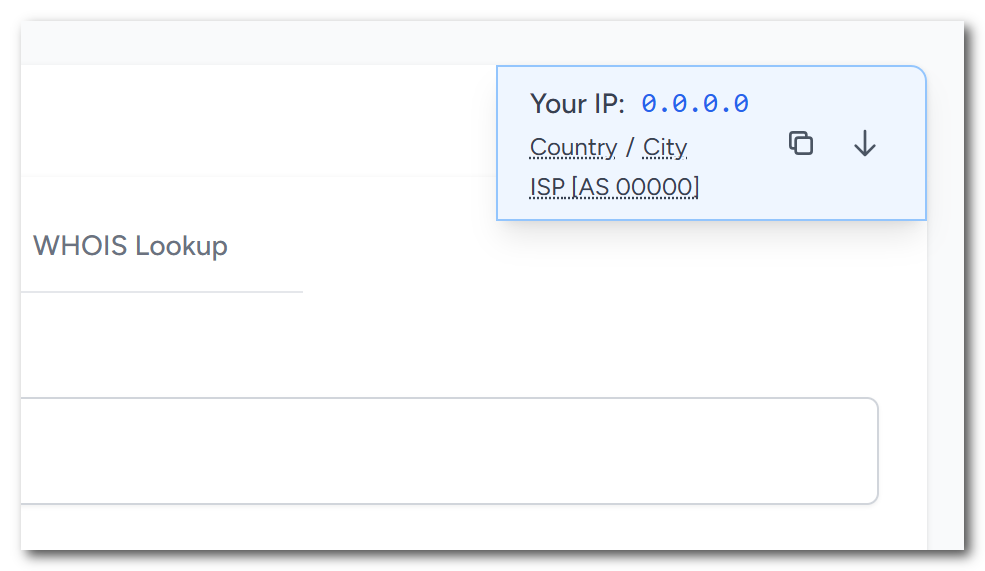
The “Your IP” information box now includes:
- Your IP address with one-click copy
- Country and city location
- ISP/provider name with ASN number
- Quick button to populate your IP as a check target
Behind the scenes, we’ve made some improvements to make things faster and more reliable, including better connection handling between monitoring nodes and optimized polling for diagnostic results.
Next release bring new notification method, so please stay tuned!