This release introduces Telegram as a notification channel and improves SMS reliability for longer messages.
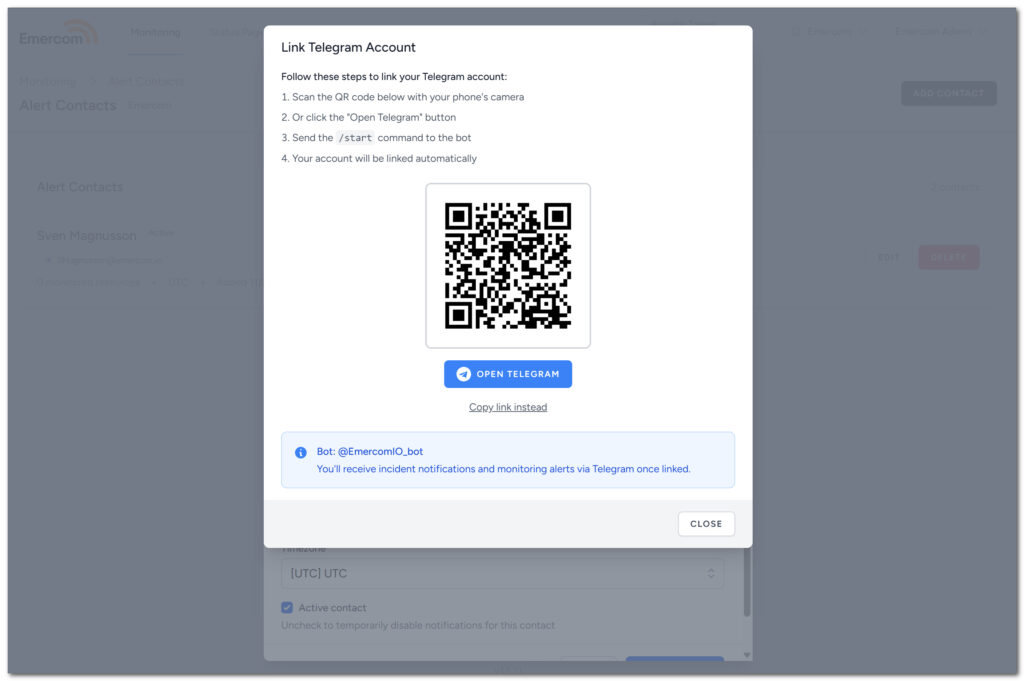
You can now receive incident notifications and monitoring alerts directly in Telegram. This works for both Status Page subscribers and Monitoring contacts.
For Status Pages:
- Link a subscriber’s Telegram account through a simple QR code or deep link
- Subscribers get real-time incident updates in their Telegram chat
For Monitoring:
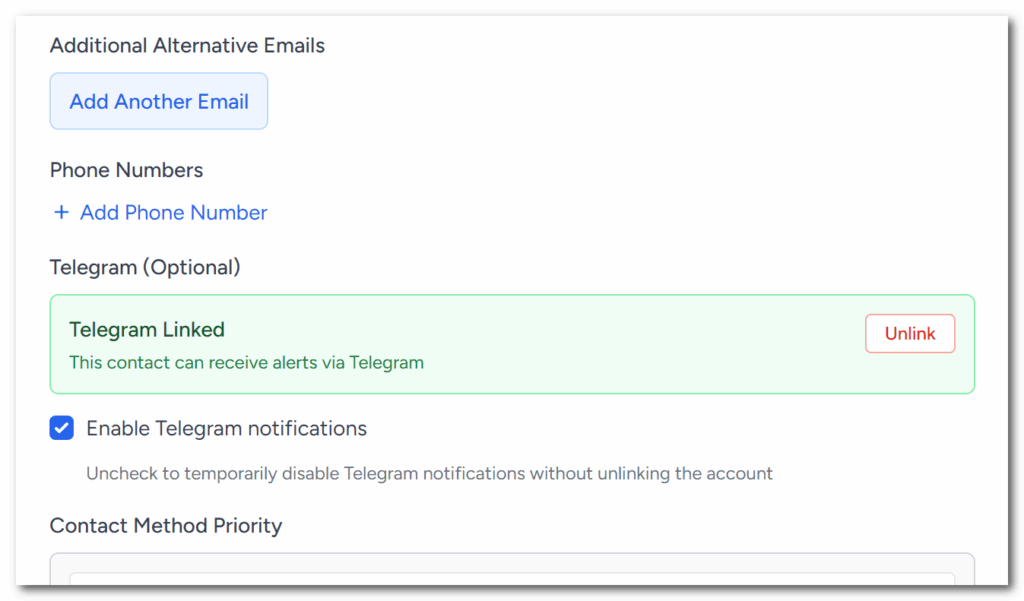
- Link Telegram to any monitoring contact
- Receive alerts for resource failures and recoveries
- Works alongside email and SMS notifications
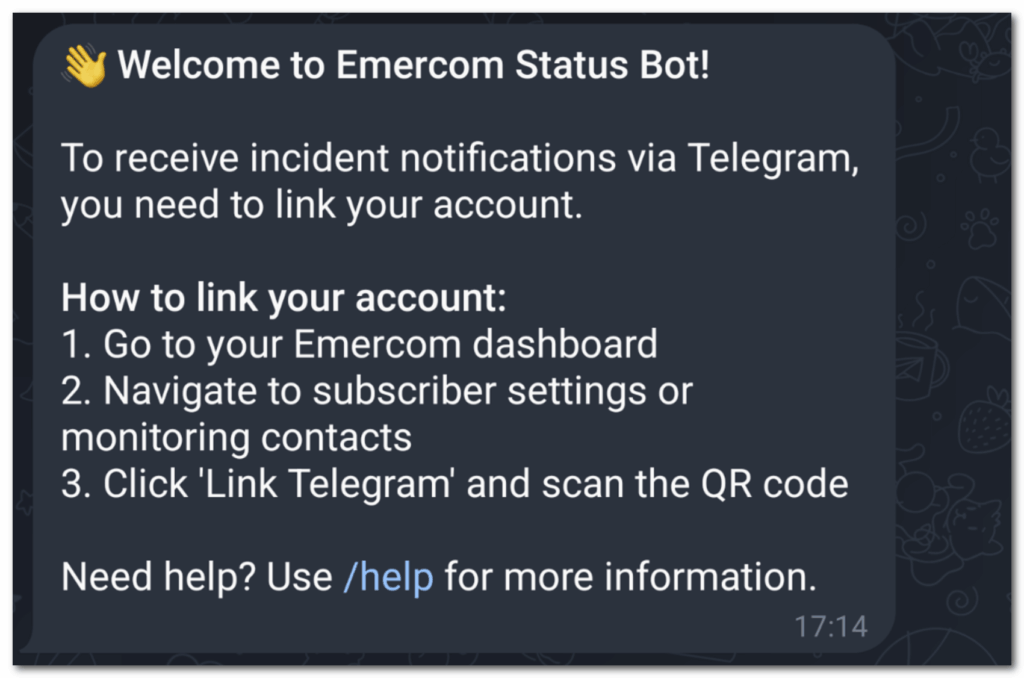
The linking process is straightforward: scan a QR code with your phone or click a link to open Telegram, send /start to the bot, and you’re connected. Once linked, Telegram shows up in your contact method priority list alongside email and SMS.
We are still working on improvements for Telegram, specifically around better linking workflow and invitations for your customers – feedback is appreciated.
As another small improvement, we’ve improved how SMS notifications work, especially for longer messages:
- Multi-part SMS support: Messages that exceed the 160-character limit are now split into multiple parts and sent sequentially with proper timing between them
- Better message delivery: Each part is tracked individually to ensure all segments arrive
- Smarter content handling: The system automatically determines the best way to split messages while keeping them readable
This is particularly helpful for monitoring alerts and incident notifications that include detailed information like server names, error messages, and confirmation links.